
SuiteCRM File Upload & Email Import Helper
Drag Outlook Classic emails & files into SuiteCRM. Automatic email parsing, attachment extraction, intelligent contact linking.
See It In Action
Powerful Features
Outlook Classic Email Import
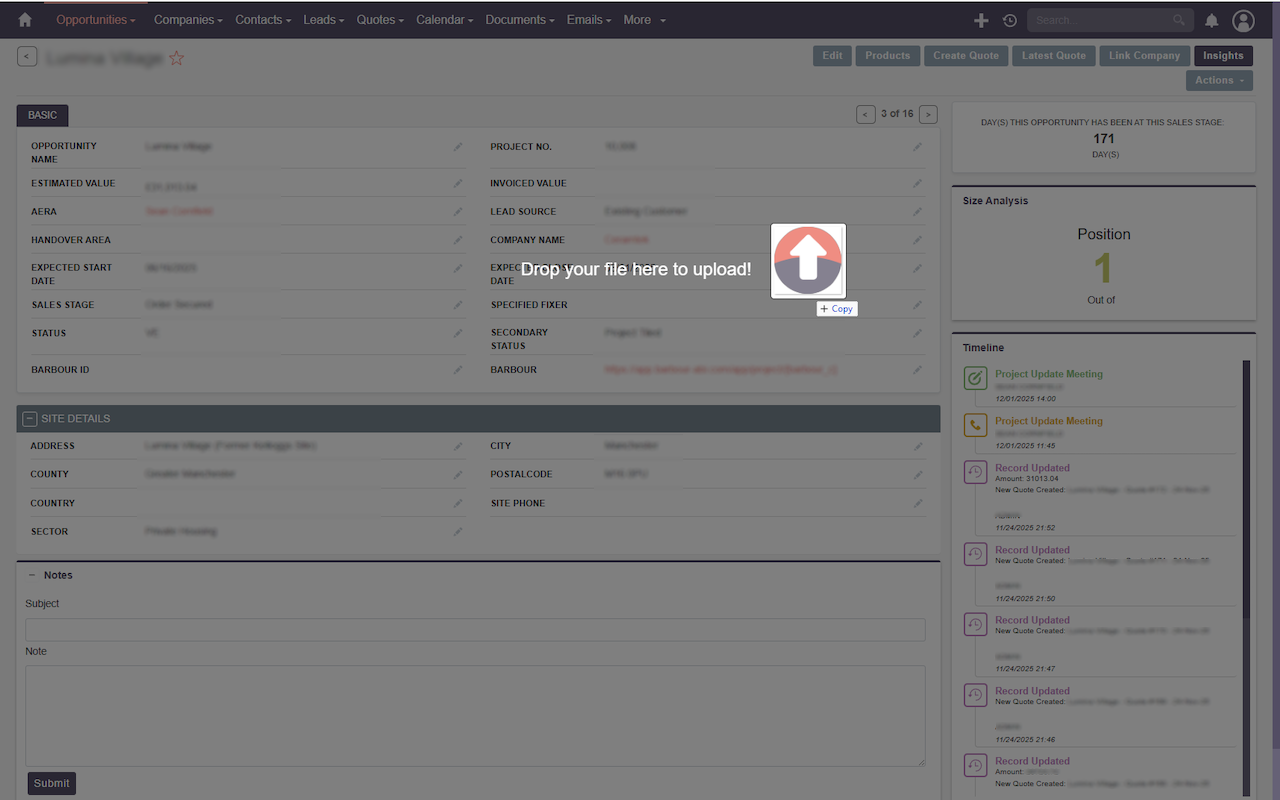
Drag .msg files from Outlook Classic desktop directly onto any SuiteCRM record. Automatic parsing of sender, recipients, subject, body, and attachments. (Requires Outlook Classic)
Smart Contact Linking
Automatically links emails to related Contacts and Accounts based on email addresses. Creates proper relationships across your CRM.
Attachment Extraction
Embedded email attachments are automatically extracted and saved as Notes linked to the email record in SuiteCRM.
Universal File Upload
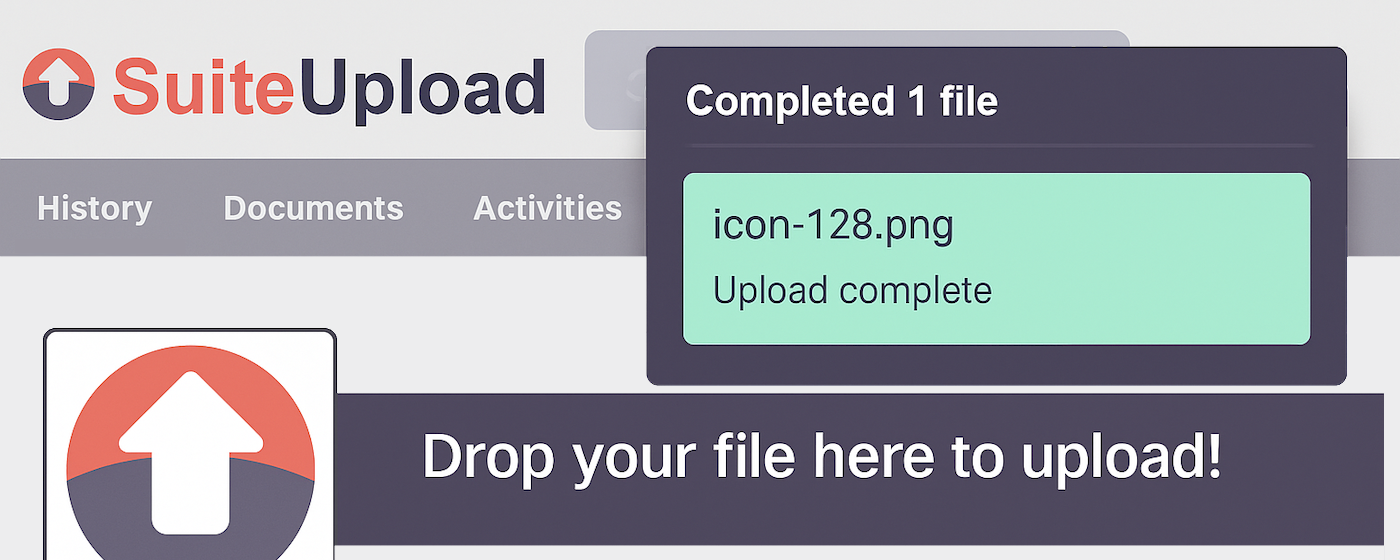
Drop ANY file type onto SuiteCRM records. PDFs, Word docs, images, spreadsheets - automatic Document record creation.
Works Everywhere
Compatible with all modules: Opportunities, Accounts, Contacts, Leads, Cases, Projects, and custom modules. SuiteCRM 7.x & 8.x.
Auto-Refresh
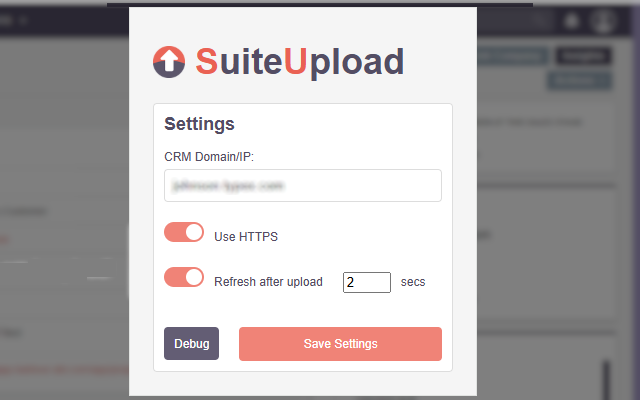
Optionally refresh the page after upload to see your changes immediately. Configurable delay from 1-10 seconds.
Technical Specifications
Email Formats
Outlook Classic .msg files (standard and Exchange format)
Browsers
Chrome & Edge (latest versions)
SuiteCRM
Version 7.x and 8.x supported
Hosting
Self-hosted (any domain/IP, HTTP & HTTPS)
Backend
Requires SuiteCRM module (available separately)
Privacy
Zero data collection, all local processing
Ready to Transform Your Workflow?
Get started in minutes with our simple installation process
Install Extension
Add the free browser extension from the Chrome Web Store
Get Backend Module
Contact us at hello@appydays.xyz for details on the required SuiteCRM backend module
Configure & Go
Enter your SuiteCRM domain in the extension and start dragging!